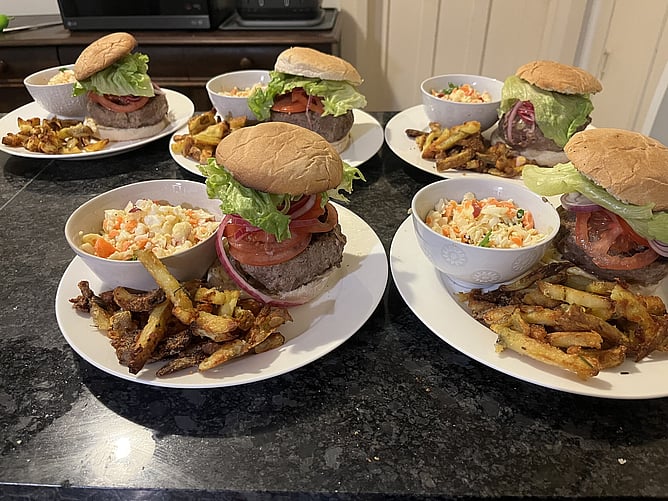
Burger Wellington is a big deal in our family. Every year we read through the entries together and talk about the ones we'd like. We then create our own family "Burger Wellington", one week where each of us create our own burger for the family to vote on. The prize, apart from a week of eating well, is that the winner gets to choose which of their favourite Wellington burgers the rest of the family tries. Any child based in another city is sent a burger of their choice from a restaurant in their area so they don't miss out on the fun.
The one thing I struggle with every year is finding a burger by location and protein type. The Burger Wellington site lists every entry, but the suburb for each one is buried a click deeper, on each of 245 individual venue pages. Not exactly a quick browse.
Following Serge's Lead
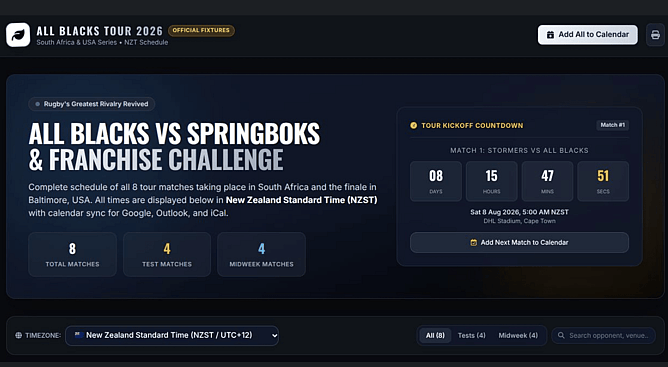
As you will have read in the last blog, Serge had already shown what's possible with a single well-built prompt, first with the FIFA World Cup schedule, then the All Blacks season. I wanted the same thing for burgers: one page, filterable by suburb and protein, easy to share with the family.
So I started the way he did, with a clear, specific prompt describing exactly what I wanted. As it turned out, one prompt wasn't going to get me there.
The Problem
Serge's World Cup list was already a small, static dataset, so it fit neatly into a single request. My burger list wasn't. Getting the suburb for all 245 entries meant pulling data out of a site that doesn't hand it over easily, paging through a "Load more" button and visiting every individual venue page.
That's a scraping job, not a single-prompt job. It needed Claude Code rather than a normal chat, a tool built to actually browse and click through a website, not just respond to a prompt.
Claude Code is a skill I could learn. But it's not something I'd use often enough in my role to justify the time it'd take to get good at it. Just because AI is a superpower doesn't mean you need to master every tool yourself. Sometimes the smarter move is to pause and ask: is this something I'll do again and again, or is it a one-off? If it's a one-off and you're not fussed about picking up a new skill along the way, it's worth doing yourself. If it's not, that's when you call in the expert. In my case, that was lovely Milo.
The Prompts
Here's the prompt Milo used to get the underlying data with Claude Code:
"Scrape the Burger Wellington explore page for all burger entries (around 245). For each one, capture: venue name, suburb, address, burger name, price, protein type, dietary tags (firm and 'on request'), sold-out status, and description. The list loads via a 'Load more' button, so page through everything, then visit each venue's page to get the suburb. Export it all as a CSV."
And once that CSV existed, this is all it took in my LLM of choice (Claude this time) to turn it into something usable:
"I've got a CSV of every Burger Wellington 2026 entry, with venue, suburb, burger name, price, protein type, and dietary tags. Build me a single interactive HTML page where I can filter by suburb, protein, and dietary need, search by name, and star burgers to build a shortlist. Make it a standalone file I can host anywhere."
The Result
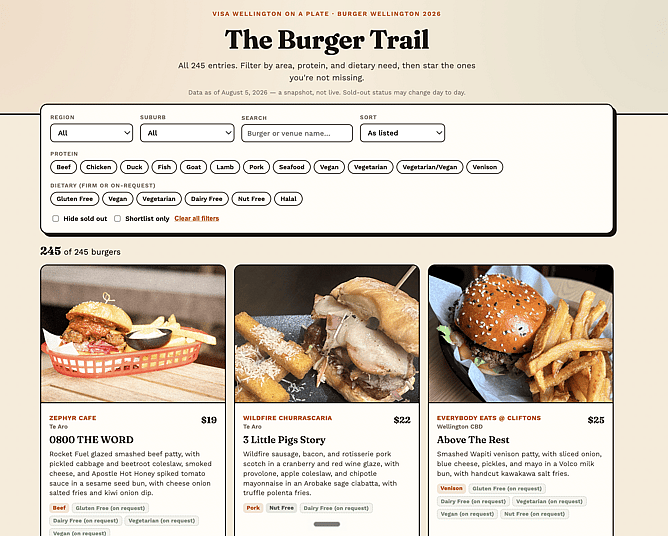
One interactive page, filterable by suburb, protein and dietary need, with a search box and a shortlist you can star as you go. No spreadsheets, no scrolling through 245 pages.
Check it out here: https://aisupercharge.me/burgers/
I've applied AI to a specific task, not an important one that affects our family but it uncovers something much bigger. Knowing the difference between "I could learn this" and "I should learn this." AI can absolutely take you outside your usual skillset, but knowing when to ask an expert instead is its own kind of superpower.
Want to build the skills to know when to DIY and when to call in the experts? Our AI training courses cover exactly this kind of practical, everyday prompting. Let's get supercharged together!
